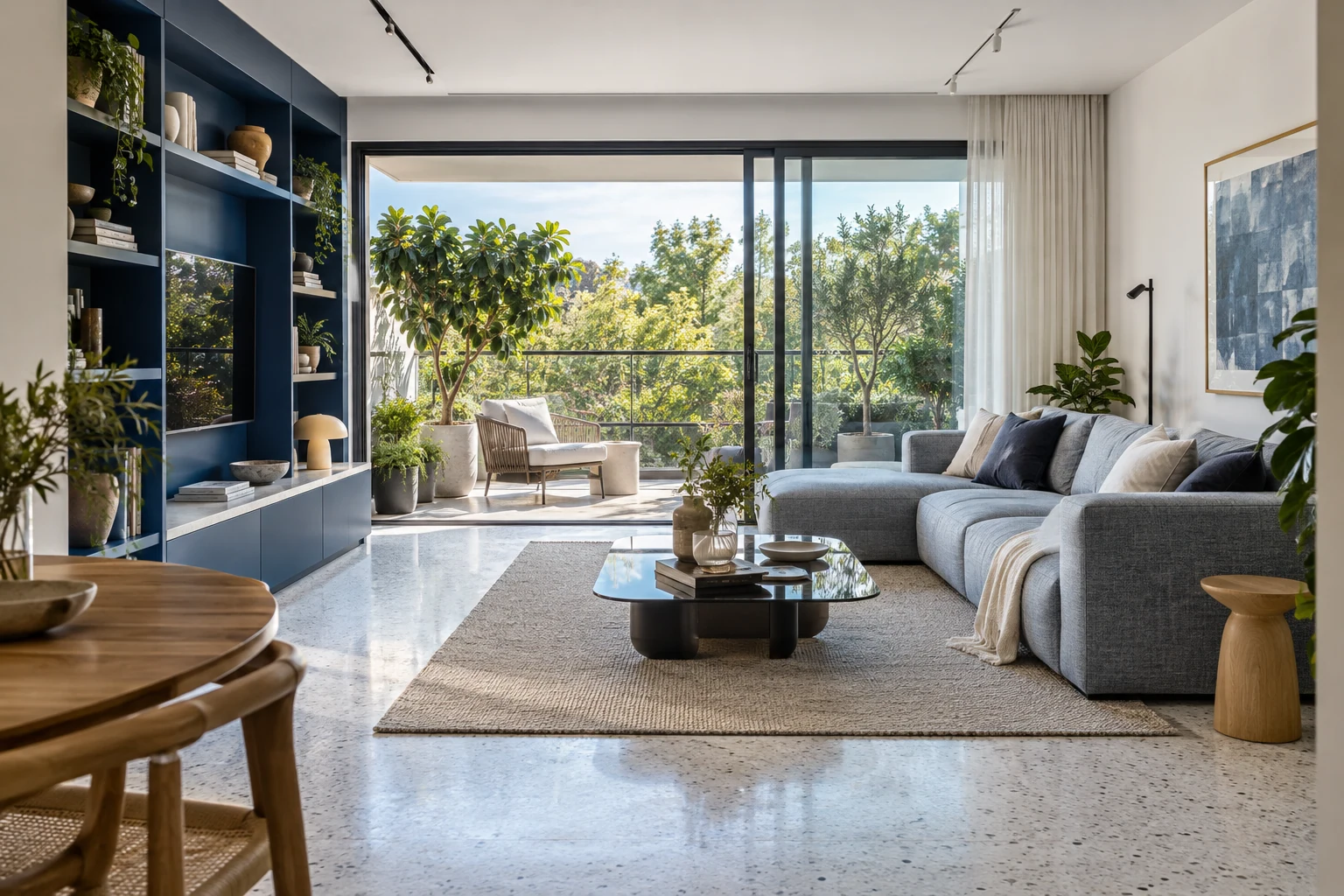
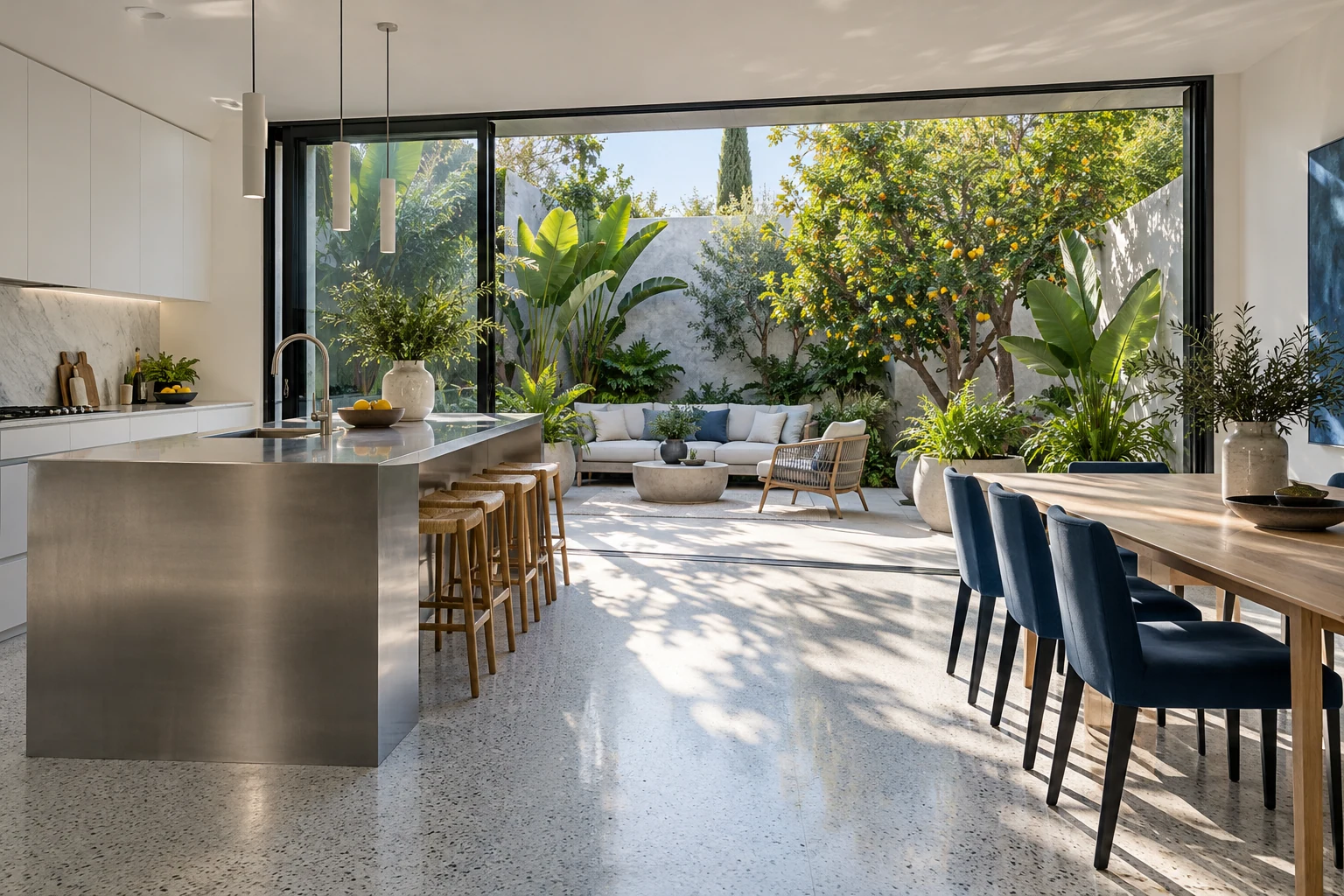
Three rooms in Herzliya support several living arrangements. Explore Sokolov, Ben Gurion and Yosef Nevo, consider the role of the extra room in your day, and collect the monthly payment and move-in expenses.
An urban living room and green balcony · Architectural visualisationA kitchen opening to a garden courtyard · Architectural visualisationA living space open to the sea · Architectural visualisationThe hill beside Herzliya Marina · Location photographIsrael Preker · Pikiwiki Israel · CC BY 2.5 · Resized for displayAn aerial view of Herzliya Marina · Location photographAmos Meron · CC BY-SA 3.0 · Resized for display
THE MONTHLY PERSPECTIVE
Put your choice in context.
Rent data is grouped by city and room count, in shekels per month. The table also shows twelve months at the same monthly amount, excluding other home costs. City means provide a comparison reference; consider the individual specification and street alongside them.
Herzliya by room-count group
City mean rent, in shekels per month
Rooms
Monthly mean
12 months of rent
All room counts
₪6,775
₪81,294
1–2 rooms
₪4,444
₪53,327
2.5–3 rooms
₪5,606
₪67,268
3.5–4 rooms
₪7,041
₪84,490
4.5+ rooms
₪9,461
₪113,526
This comparison uses city means. The twelve-month calculation assumes constant rent; include other home costs separately in your personal comparison. The 4.5+ room group includes larger homes.
STREET BY STREET
Where would you like to start?
Begin with Sokolov, Ben Gurion, Yosef Nevo, Eli Landau Boulevard. Each link opens the street and nearby places. These are starting points for exploring the surroundings; assess each home’s layout, outdoor space and view separately.
An orientation map around Sokolov. Choose a category and radius to explore nearby places.
CITY INFORMATION
City information for your next move.
Explore education, healthcare, transport and public services on the map. Use the city channels to check school registration areas, parking arrangements and address-specific services.
Select details to review during a visit. Your choices also appear in your printed brief.
Compare area and budget on the same basis.
THE RENTAL PLAN
Two homes. Every cost in view.
Compare ongoing monthly costs, the cost for your chosen term and the cash needed at move-in. Enter each home’s rent, regular expenses and moving costs.
ROOM FOR YOUR PLANS
A budget with room for life.
Enter your monthly housing payment and regular costs to see what remains for your plans.
HOUSEINDEX / 24
Your viewing notebook
Three homes, 24 details to compare. Record what you observed and the questions to explore next.
Notes stay in your browser. Device storage happens only when you press Save; notes are not added to enquiries or shared links.
THE DETAILS THAT MATTER
Before you choose.
How do you compare three-room layouts?
Assign a role to each room: sleeping, working, children or guests. Check room widths and connections to the living room, kitchen and bathroom. A room used as a passage and one with independent access serve different purposes even within the same room count.
What should you check for a home office?
Consider desk space, sockets, connectivity and the ability to close a door during a call. Include the building surroundings at the hours when you normally work and return home in your viewing plan.
How does term cost differ from move-in cash?
Term cost combines rent, monthly expenses and one-off costs. Move-in cash combines advance rent, the deposit and initial expenses. The deposit is shown separately as allocated cash, and prepaid rent is counted once in total expenditure. Enter both options in the calculator to see the difference.
How do you plan a viewing around your routine?
Choose places to explore around Herzliya on the map: work, transport, shopping and leisure. Walk from the entrance to nearby destinations and record actual journey times. During the viewing, collect measurements, furniture and upkeep details alongside your desired move-in date and rental term.